Introduction
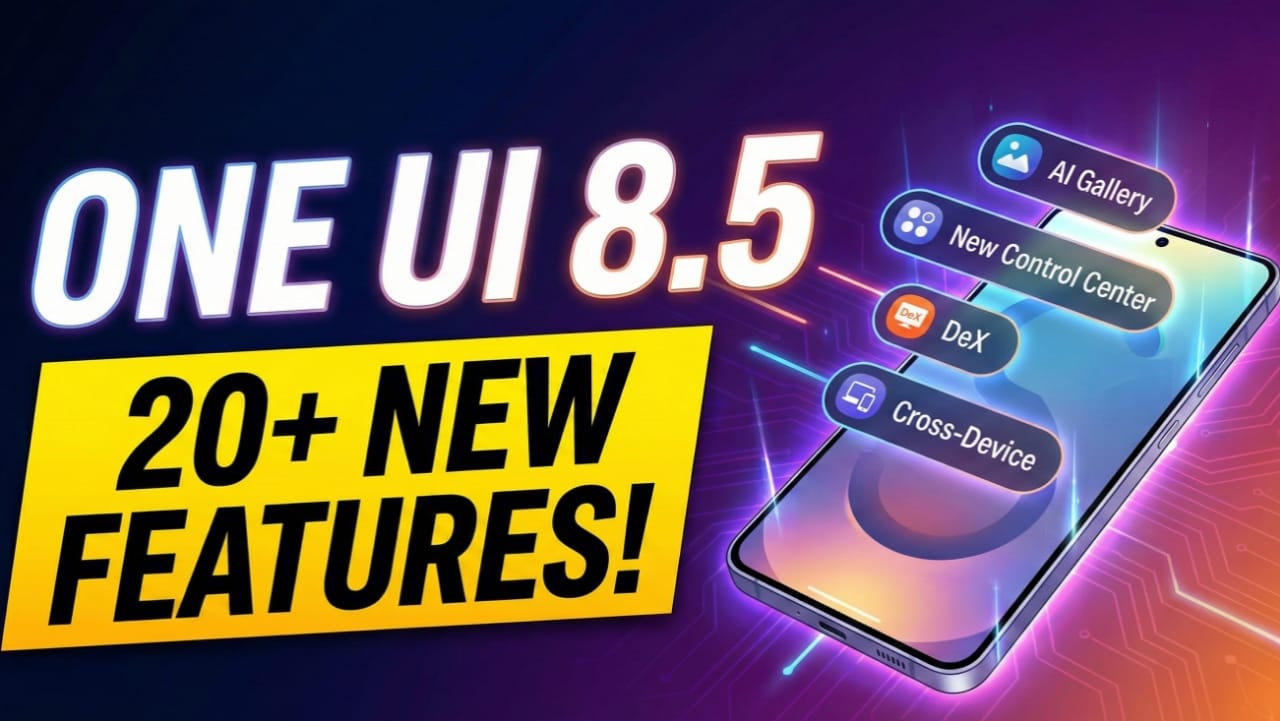
The wait for the next major evolution of Samsung’s interface is finally over for beta testers. The Samsung One UI 8.5 Update has arrived, and it is far more than just a standard “point” release. While decimal updates usually signal minor bug fixes or security patches, this latest software overhaul feels like a significant leap forward in both aesthetics and functionality.
Samsung has focused heavily on refining the design language, introducing a cleaner “pill-shaped” UI across native apps, and finally giving users the granular customization options they have been craving. For users of the latest flagship devices—specifically those who have read our deep dive in our [Samsung S24 Ultra Review]—the Samsung One UI 8.5 Update promises to push the hardware to its absolute limit.
Whether you are a power user relying on Samsung DeX to get work done or a casual user who loves customizing their lock screen, the Samsung One UI 8.5 Update has something for everyone. In this comprehensive guide, we will explore every nook and cranny of the new beta, dissecting the visual changes, the new ecosystem features, and the release timeline for your specific Galaxy device.
A Visual Overhaul: The “Pill” Aesthetic
The first thing you will notice upon booting into the Samsung One UI 8.5 Update is the distinct shift in design philosophy. Samsung is moving away from the sharp corners and traditional list views that defined previous versions, instead embracing a softer, more modern look that prioritizes approachability.
Unified Pill-Shaped Menus
Across almost all of Samsung’s native applications—from the Clock app to the Gallery and Reminder apps—menus have been redesigned into pill-shaped forms. This floating UI element looks incredibly clean and modern. While some critics might argue it borrows slightly from the Apple iOS aesthetic, the Samsung One UI 8.5 Update makes the interface feel less cluttered.
In previous versions, menus were often full-width or rectangular blocks. The new pill design floats slightly off the edges of the screen, creating a sense of layering. This is particularly noticeable in the Reminder App, where the input field is no longer fused to the keyboard but floats above it.
Dynamic Background Glow
A subtle yet beautiful addition in the Samsung One UI 8.5 Update is the new background glow effect. In supported native apps, you will notice a soft, ambient light that matches the primary color of the app’s icon or current state.
- Visual Feedback: In the Voice Recorder, the background emits a red glow that pulses in sync with the audio input.
- Contextual Awareness: In the Clock App, the timer and stopwatch tabs feature a cool blue-purple glow.
This adds a layer of depth to the UI that flat designs often lack, making the software feel “alive.” It takes the massive display of the [Samsung S24 Ultra] and uses that screen real estate to create an immersive interface.
Lock Screen Improvements in Samsung One UI 8.5 Update
The Lock Screen is your gateway to the phone, and the Samsung One UI 8.5 Update makes it smarter, solving some long-standing annoyances while introducing AI-driven flexibility.
Intelligent Wallpaper Adjustment
We have all been there: you find the perfect wallpaper, but when you apply it, the clock text covers the main subject’s face. The Samsung One UI 8.5 Update solves this. When you set a new image, the system now automatically detects the subject and adjusts the position of the wallpaper to ensure the date and time remain legible.
Generative Fill for Wallpapers
This feature leverages the AI capabilities found in the S25 Ultra. Previously, moving a wallpaper around was restrictive. In the Samsung One UI 8.5 Update, if you move a wallpaper to find the perfect frame, the system uses Generative AI to paint in the missing parts of the background. This allows for infinite flexibility in how you frame your lock screen image.
Weather Integration
You can now toggle a dedicated Weather widget directly on the lock screen setup page. If it is snowing or raining outside, your lock screen will reflect this atmosphere dynamically.
The Missing “Depth Effect”
Despite these upgrades in the Samsung One UI 8.5 Update, there is a notable omission. Samsung still has not introduced a true “Depth Effect” (where the clock tucks slightly behind the subject), a feature now standard on competitors. For customization lovers, this feels like a missed opportunity.
Control Center: Total Personalization
One of the biggest functional changes in the Samsung One UI 8.5 Update is in the Control Center (Quick Settings panel). Samsung has handed the keys to the user, allowing for a level of layout freedom we haven’t seen before.
Resizable Toggles
You can now control the size of individual setting toggles. Do you use Wi-Fi and Bluetooth constantly? Make them large and prominent rectangular blocks. Rarely use “Do Not Disturb”? Shrink them down to small icons.
Custom Placement Strategies
This flexibility allows for unique layouts based on your usage, which is perfect for the large canvas of the [Samsung S25 Ultra]:
- The Network Manager: Group all connectivity toggles at the very top.
- The Audiophile: Create a dedicated music zone by enlarging media playback controls.
- The Minimalist: Remove everything except the essentials.
System-Wide Productivity Features
Samsung continues to bridge the gap between devices, making the Galaxy ecosystem tighter and more functional. The Samsung One UI 8.5 Update is a massive productivity booster for ecosystem users.
Cross-Device File Access
This is a game-changer. You can now browse the file storage of another Galaxy device directly from your current phone via the “Nearby Devices” menu.
- The Scenario: You are using your S25 Ultra but need a PDF stored on your Galaxy Fold 7. Instead of sending it, you can simply tap the Fold 7 icon on your S25 and browse the Fold’s internal storage remotely.
- The Requirement: Both devices must be on the same Wi-Fi network and signed into the same Samsung Account.
Partial Screen Recording
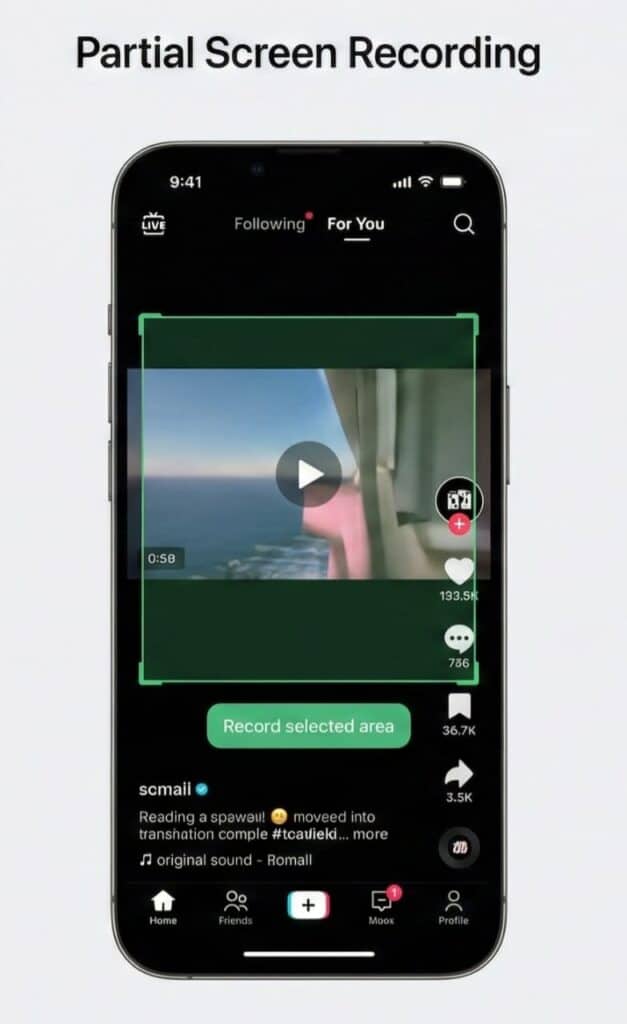
Privacy-focused users will love this feature in the Samsung One UI 8.5 Update. You can now record only a specific section of your screen. If you want to record a comment section on a YouTube video without capturing your status bar, you can crop the recording area before you start.
Enhanced Theft Protection
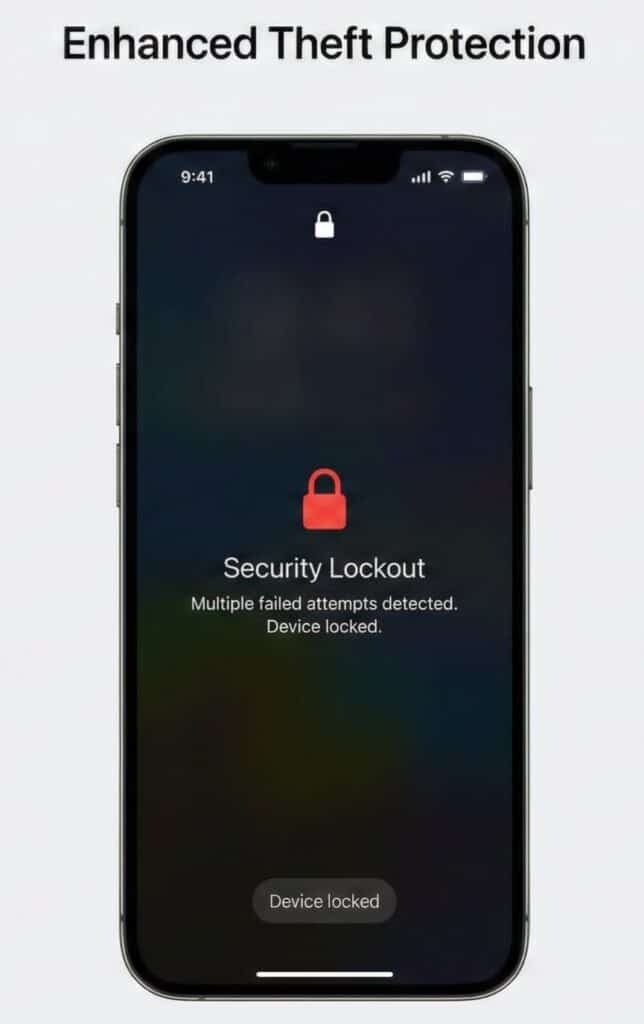
Security gets a boost with the “Failed Authentication Lock.” If someone steals your unlocked phone and repeatedly fails to log into a secure app, the Samsung One UI 8.5 Update detects this anomalous behavior and automatically locks the device.
Samsung DeX: The Desktop Experience Refined
For the power users who treat their phone as a PC—a major selling point we discussed in our [Samsung S25 Ultra Review]—DeX has received meaningful quality-of-life updates in the Samsung One UI 8.5 Update.
Multiple Desktop Instances
You can now configure multiple desktop setups within a single DeX session. This essentially gives you “virtual desktops,” allowing you to separate your work apps from your entertainment apps effectively.
Screen Recording in DeX
Previously impossible, the Samsung One UI 8.5 Update allows you to natively screen record your DeX session. This is perfect for creating tutorials or recording gameplay directly from your phone-powered desktop environment.
Window Size Memory
If you resize an app window in DeX and then close it, the system now remembers that specific dimension. It sounds minor, but for daily DeX users, this saves hours of cumulative time.
Deep Dive: Native App Updates
Samsung has meticulously updated its core suite of apps to match the new design language of the Samsung One UI 8.5 Update.
Gallery App: AI and Organization
The Gallery app is arguably the most important app on the phone, especially given the S25 Ultra’s camera capabilities.
- Sort Types: A new option allows you to organize photos based on the mode they were shot in.
- Non-Destructive Editing History: When editing photos in the Samsung One UI 8.5 Update, you can now see a timeline of your changes. If you erased a bottle and then a glass, you can undo just the glass removal while keeping the bottle erased.
- Private Album: A new dedicated “Private Album” feature allows you to lock sensitive media behind biometric authentication.
Clock App: Visuals and Utility
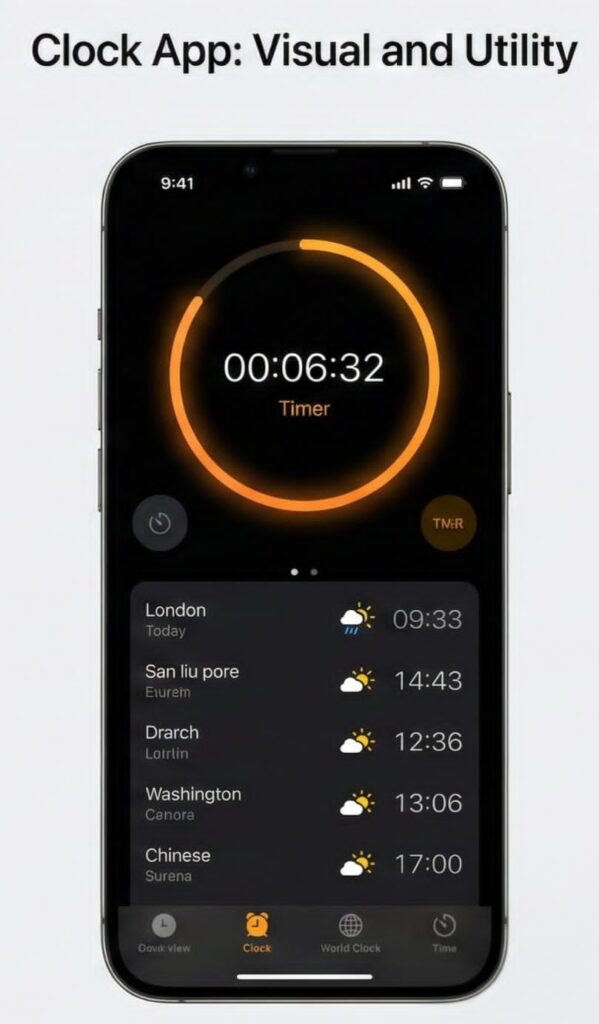
- Timer Snooze: When you snooze an alarm, a new visible timer starts counting down.
- World Clock Visualization: The background now shifts to reflect the time of day in the selected city.
- Time Zone Converter: A new visual grid helps you plan meetings across time zones.
Calculator: It adds up
Key presses now trigger a glow effect, and numbers appear on the display with a buttery-smooth animation. It’s a small touch in the Samsung One UI 8.5 Update, but it makes the phone feel faster.
Samsung’s answer to AirDrop continues to improve with the Samsung One UI 8.5 Update.
- Face Detection: This is the “killer feature” of Quick Share. If you take a photo of a friend who also uses a Samsung device, Quick Share will detect their face. When you hit share, it will automatically suggest their device as the first option.
Release Date and Availability
The burning question: When will the Samsung One UI 8.5 Update arrive on my device?
Based on the beta timeline and historical patterns, the Samsung One UI 8.5 Update is expected to officially launch alongside the Samsung Galaxy S26 series, likely in late January 2026.
Projected Rollout Order:
- Galaxy S26 Series (Pre-installed)
- Galaxy S25 Series (Beta currently available – Check our [Samsung S25 Ultra Review] to see if it’s worth the upgrade now)
- Galaxy Z Fold 7 / Z Flip 7
- Older flagships (S24, S23 series)
Samsung typically rolls out the Samsung One UI 8.5 Update in descending order of device price and age.
Conclusion
The Samsung One UI 8.5 Update might be a “half-step” update before the major One UI 9, but it packs a serious punch. The focus on visual consistency with the “pill” design, combined with genuine productivity tools like cross-device file access and DeX improvements, makes this a must-have update.
For users of the Samsung S25 Ultra, the Samsung One UI 8.5 Update feels like the software finally catching up to the incredible hardware. The animation smoothing, the generative AI on the lock screen, and the pro-grade features in the Gallery app all sing on the S25’s hardware.
Are you excited about the Samsung One UI 8.5 Update? Which feature will you use the most? Let us know in the comments below!