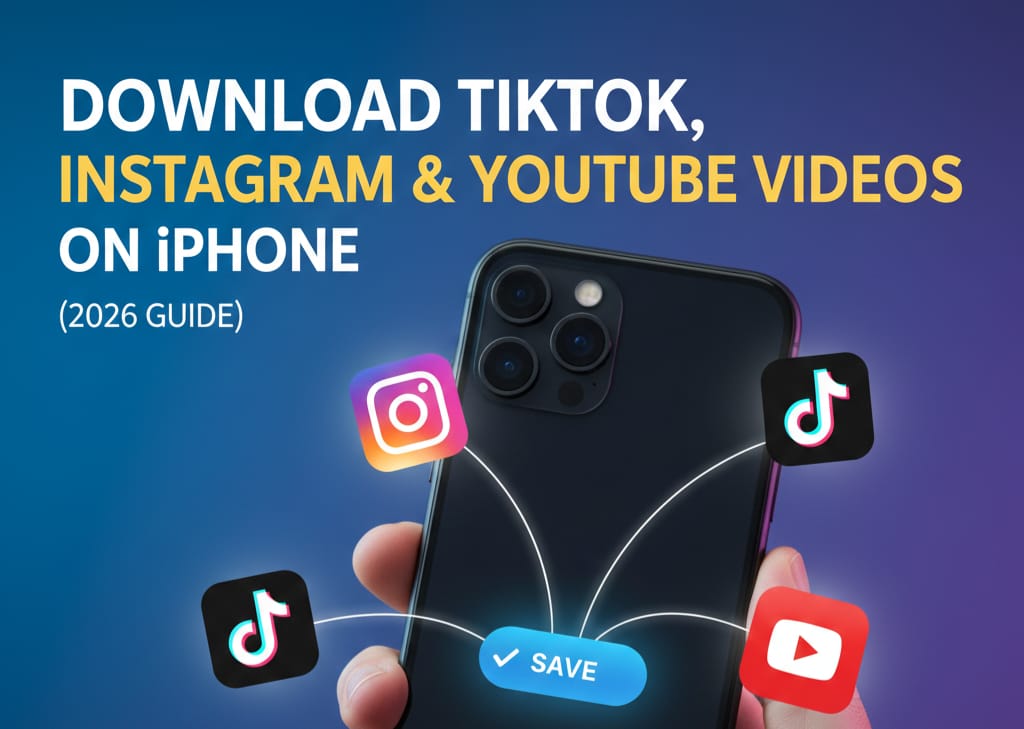
In the fast-paced world of social media, we often come across videos that we want to save forever—whether it’s a mouth-watering recipe, a hilarious meme, or an inspirational travel reel. However, most major platforms don’t offer a direct “Download to Gallery” button for iPhone users.
Enter Blackhole Splitter, a powerful utility app that has become a viral sensation for iOS users. In this comprehensive guide, we’ll explore what Blackhole Splitter is, how it works, and why it is currently the top-rated video downloader on the App Store.
What is Blackhole Splitter?
Blackhole Splitter (often referred to simply as “Blackhole”) is a lightweight, efficient utility app designed for iOS. While its name suggests a “video splitter” (a tool used to cut long videos for WhatsApp Status or Instagram Stories), its most famous feature is its ability to download videos from links.
Unlike other complicated downloaders that require you to navigate through buggy built-in browsers, Blackhole Splitter uses a “one-click” philosophy. If you have a link to a video, Blackhole can likely save it directly to your Photos app.
Key Features of Blackhole Splitter
- Universal Compatibility: It supports a vast range of platforms including Instagram, TikTok, Facebook, Twitter (X), and YouTube.
- No Watermarks: One of the biggest pain points of saving videos from TikTok or Instagram is the giant watermark. Blackhole helps you get clean, high-quality files.
- High-Speed Downloads: Using advanced multi-threading, the app processes video links almost instantly.
- Video Splitting Tool: True to its name, it also allows you to take long videos and split them into 15, 30, or 60-second clips, making it perfect for content creators.
- Privacy Focused: The app generally processes data on-device, ensuring that your media isn’t being uploaded to external servers.
Step-by-Step Guide: How to Download TikTok, Instagram & YouTube Videos on iPhone?
Using Blackhole Splitter is incredibly intuitive. Follow these steps to get started:
Step 1: Install the App
First, you need to have the tool ready on your device. You can download Blackhole Spliter from the App Store here.
Step 2: Copy the Video Link
Open your desired app (YouTube, TikTok, or Instagram) and find the video you wish to save.
Step 3: Run Blackhole Spliter
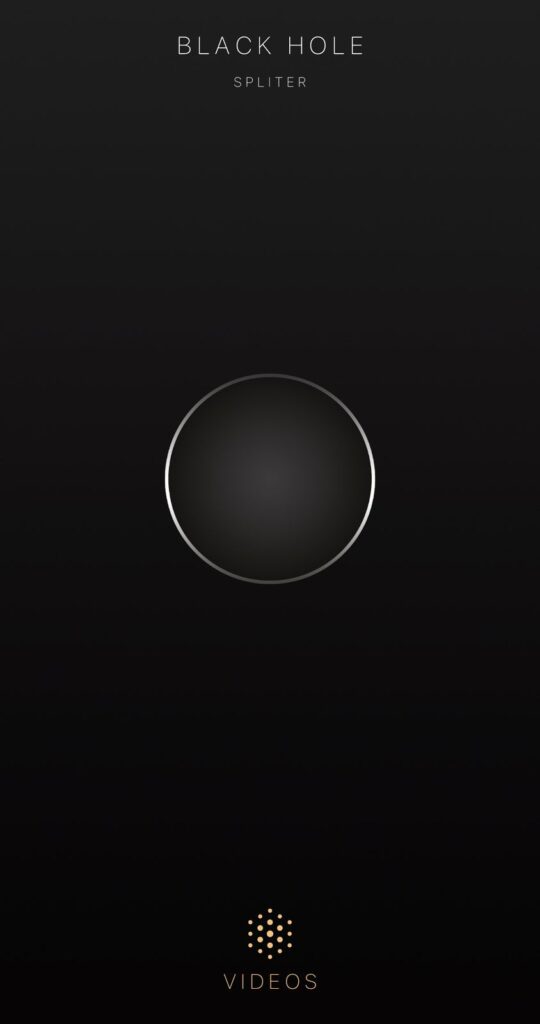
Open the Blackhole Spliter app. You will see a large black circle (the “Black Hole”) in the center of the screen.
Step 4: Tap to Download
Simply tap the center of the circle. The app will automatically detect the link you just copied. It may ask for permission to access your Photos—ensure you click “Allow Access to All Photos” so it can save the file directly to your Camera Roll.
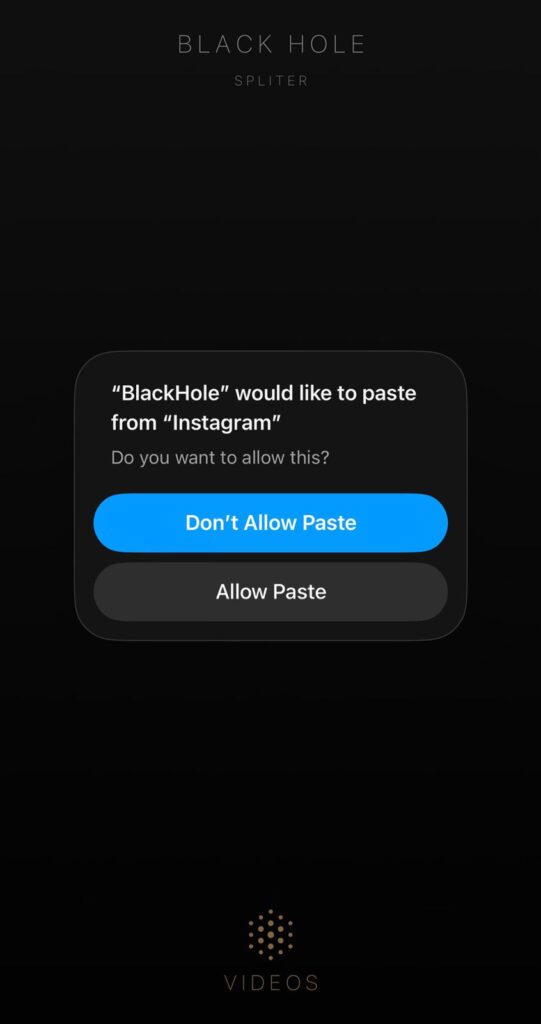
Step 5: Check Your Gallery
Once the “Downloading” animation finishes, head over to your Photos App. Your video will be there in high quality, ready to be watched or shared.
Why Choose Blackhole Over Other Downloaders?
When searching for video downloaders on the App Store, you’ll find hundreds of options. However, Blackhole Splitter stands out for several reasons:
- Minimalist UI: There are no confusing menus or hidden settings.
- Minimal Ads: While the app is free and supported by ads, they are far less intrusive than “Shortcut” based downloaders or web-based tools.
- Reliability: Apple frequently updates iOS, which often breaks “Shortcuts” (like R-Download or YesDownload). Because Blackhole is a dedicated app, the developers update it frequently to ensure it stays functional.
Is Blackhole Splitter Safe and Legal?
From a technical standpoint, the app is safe to use and is vetted by Apple’s App Store security team. However, users should always be mindful of copyright laws.
For more information on digital copyright, visit the Official U.S. Copyright Office to understand the fair use of downloaded content.
Always remember: Downloading videos for personal offline viewing is generally fine, but re-uploading someone else’s content as your own can lead to copyright strikes or legal issues.
Conclusion
Blackhole Splitter is a must-have tool for any iPhone user who wants to curate their own offline video library. It bridges the gap between social media platforms and your local storage with unmatched simplicity.
Ready to try it out? You can Download Blackhole Splitter from the App Store here and start saving your favorite content today!
You can also read How To Download YouTube Shorts Videos?